

Intelligent Dispatcher
Answer "can we take this booking?" with real drive times and your actual schedule, and see which truck fits and why.
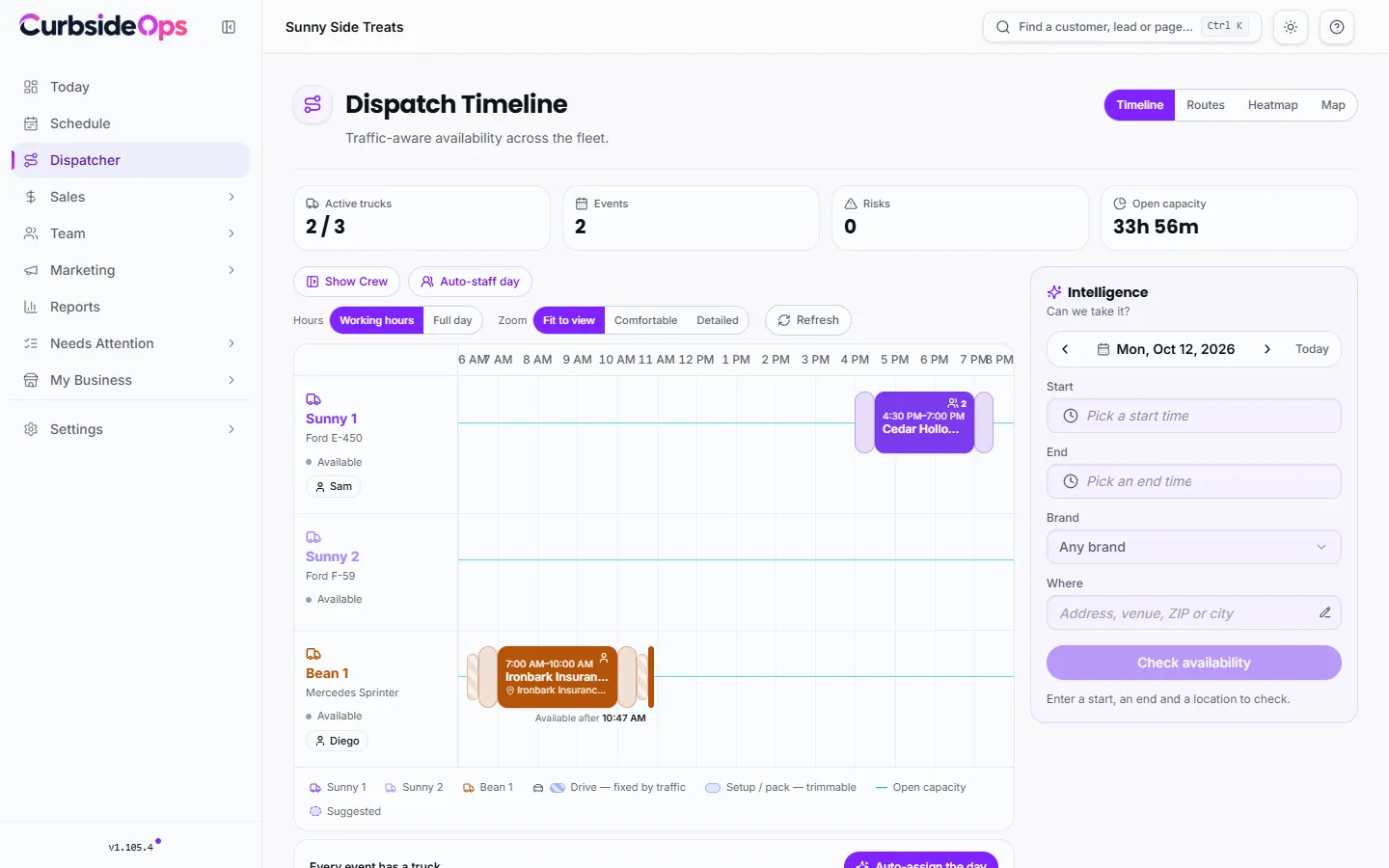
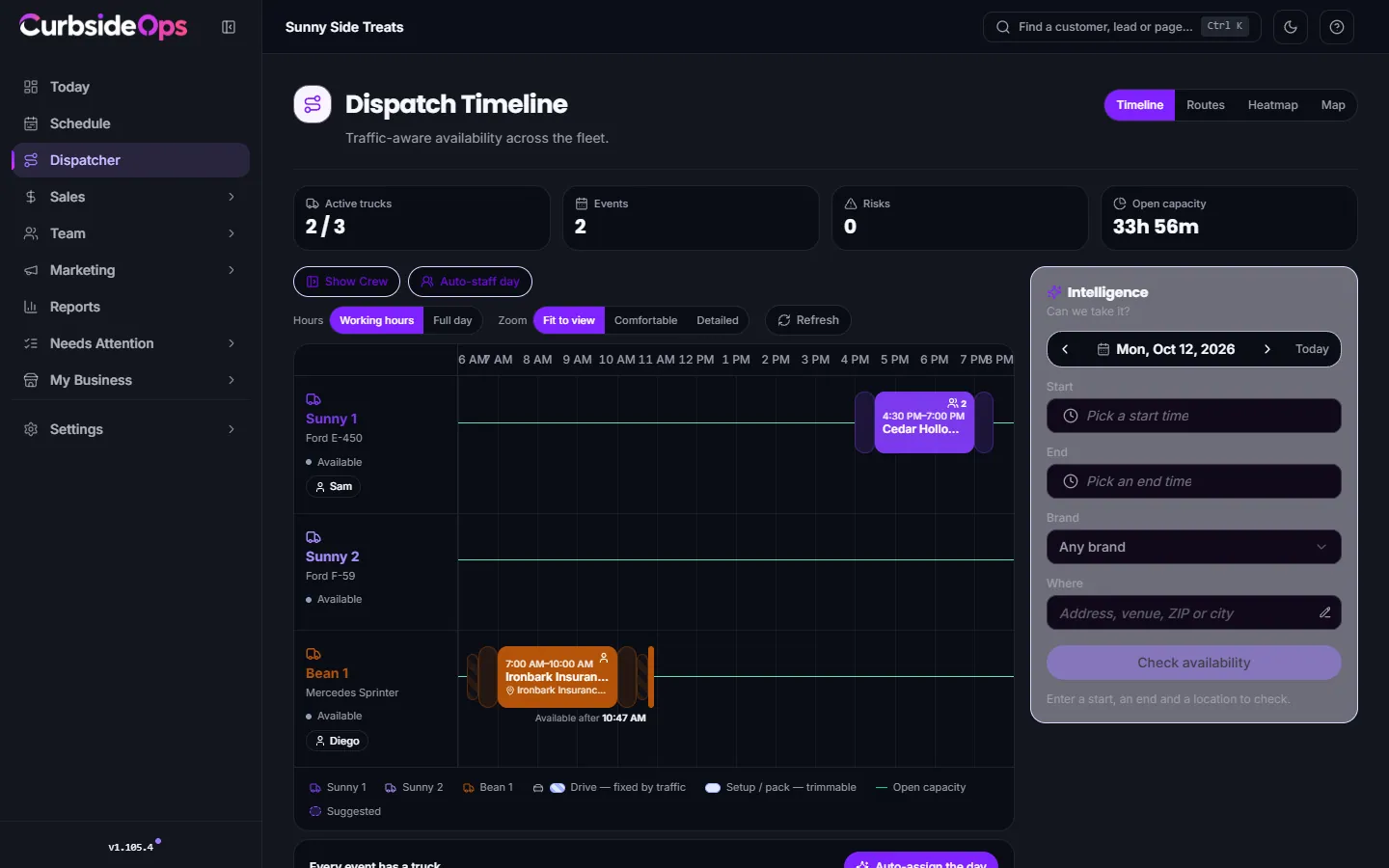
A customer calls: "Can you do Saturday at 3 at the park on Main Street?" The Dispatcher answers that while you are still on the phone. It checks every truck's day, the drive to the venue in traffic, your setup and pack-up times and whatever each truck has next, then tells you which truck can take it, or why none can.
What it answers
- Can we take it? Yes or no for a date, time and place, with the best truck and the reason. See Can we take it?.
- When could it go? The heatmap scores every truck hour by hour, and Best openings lists the strongest slots.
- Where is there room to sell? Booking opportunities points out real gaps in days your trucks already work.
- Who drives what? The planning board assigns trucks to the day's events by drag and drop, or plans the whole day for you. See The planning board.
The Dispatcher is in two places. The Dispatcher tab on the right edge of every portal page opens a panel built for answering on a call. The Dispatcher page in the sidebar adds the planning tools. Both share the same question, so you can start in the panel and finish on the page.
How it decides
For each truck, the Dispatcher lays the day out leg by leg: leave, drive (with live traffic for that time of day), park and set up, serve, pack up, and drive on to whatever is next.
Leave
Drive (live traffic)
Park + set up
Serving
Pack up
Drive on
A truck fits only when every leg fits. "There's a 60-minute gap" is not the same as "I can sell 60 minutes": the drive and the setup come out of the gap first.
The data it uses
- Your schedule: every event on your calendar and every job, with the truck assigned to each.
- Drive times between real addresses, for the time of day the truck would be driving.
- Setup and pack-up time: the brand's Setup time and Wrap-up time on the Sales & Ops tab of its settings, unless a truck has its own. A truck with no brand setting falls back to your business settings, then to a standard default. Zero is a real setting ("this cart needs no setup").
- Parking time, only if you set one. It is zero by default, because most operators count parking in their setup time.
- Where each truck starts: its live GPS position today if you have one, else its previous stop, its home spot or its warehouse.
- Dispatch priority on each truck's page, which breaks ties between equally good trucks.
The best truck is the one that costs your fleet least: the truck nearest the venue, a crew that is already out that day rather than a second shift, and only the extra miles the booking really adds.
Missing data means unknown, never yes
If the Dispatcher cannot check something (an address it cannot find, a route it cannot calculate), the answer is Unclear, never a silent "available" and never "no". A guess either way would cost you: a false yes double-books a truck, a false no turns away a real booking. Fix the address or check again.
GPS is optional
The Dispatcher works without any trackers. With Bouncie connected, it knows where trucks really are today, and a truck parked at its base overnight still counts as being there. A truck with no tracker simply uses its scheduled position, and the Dispatcher says nothing about GPS.
What it never does
- It never uses your territories. Where you are allowed to operate is your call, so a booking is never refused or flagged for being outside a territory.
- It never changes your schedule on its own. Every move is a button you press.
- It never guesses a drive time. Drive times come from routing, and the assistant on Telegram relays the Dispatcher's answer rather than estimating its own.
Who can use it
The Dispatcher is included in Premium, and is a paid add-on on Professional. It is not available on Starter, which runs one truck. Separately, Suggest a truck in the event dialog is part of every Professional and Premium plan, with or without the add-on. See Plan and billing.
Still stuck? Email support@curbsideops.com or use Report an Issue in the portal. Checked against CurbsideOps 1.105.4.