

AI Credits
Your monthly AI Credits, what uses them, buying more, auto-refill and your credit history.
AI Credits pay for the work CurbsideOps' AI does for you: answering on Telegram, writing the morning briefing, drafting replies, making post images. Every plan comes with a monthly allowance, and you can buy more whenever you need it. There are no surprise overage charges: you choose when to add credits.
- 1
Included every month
Each plan includes a monthly allowance of AI Credits.
- 2
Used by AI work
Images, reels, drafted replies and other AI features use credits. Simple questions cost very little.
- 3
Top up when needed
Buy more any time, or turn on auto-refill so you never run out mid-season.
Your monthly allowance
| Plan | Credits per month |
|---|---|
| Starter | 300 |
| Professional | 600, plus 100 for each truck beyond the 3 included |
| Premium | 1,200, plus 100 for each truck beyond the 8 included |
A paid add-on (AI Marketing or Intelligent Dispatcher) adds 200 credits a month. On Premium the add-ons are included, so the allowance stays at 1,200 plus trucks.
Included credits renew with each billing period and do not carry over. Credits you buy never expire. CurbsideOps always uses your included credits first, then the ones you bought.
What uses credits
Credits match the work done, so a quick answer costs little and a large image costs more. Your usage is grouped in plain words, for example:
- AI Assistant: questions you and your crew ask on Telegram or in the portal.
- Morning briefings, Weekly summary and Sales summaries.
- Inbox triage and Inbox drafts from the Catering Inbox.
- Marketing images, Captions, Campaigns, Event posts and Daily specials.
- Menu AI: photo enhancement, descriptions and cost estimates.
- Event research, Calendar parsing and Policies.
Plan & Billing shows your balance and where it went this period.
When you run low
You get a Telegram message and an email when your balance drops to 20% and again if it runs out. Your crew never sees these. At zero, AI features pause until you add credits or your included credits renew.
Buy more
On Plan & Billing, press Add credits and pick a pack:
| Pack | Price |
|---|---|
| 250 credits | $15 |
| 500 credits | $30 |
| 1,000 credits | $60 |
Auto-refill
Auto-refill tops up your balance so work never stops in the middle of a batch.
Save a card
Under Auto-refill, save a card. It is charged only by auto-refill.
Set the trigger and amount
Choose Refill when balance is below and Amount to add, then Save settings.
Turn auto-refill off at any time. Remove card removes the card and turns auto-refill off.
Pause image generation
The Image generation switch stops AI image spend without touching your balance. While it is paused, paid image generation and photo library analysis are blocked until you turn it back on.
Credit history
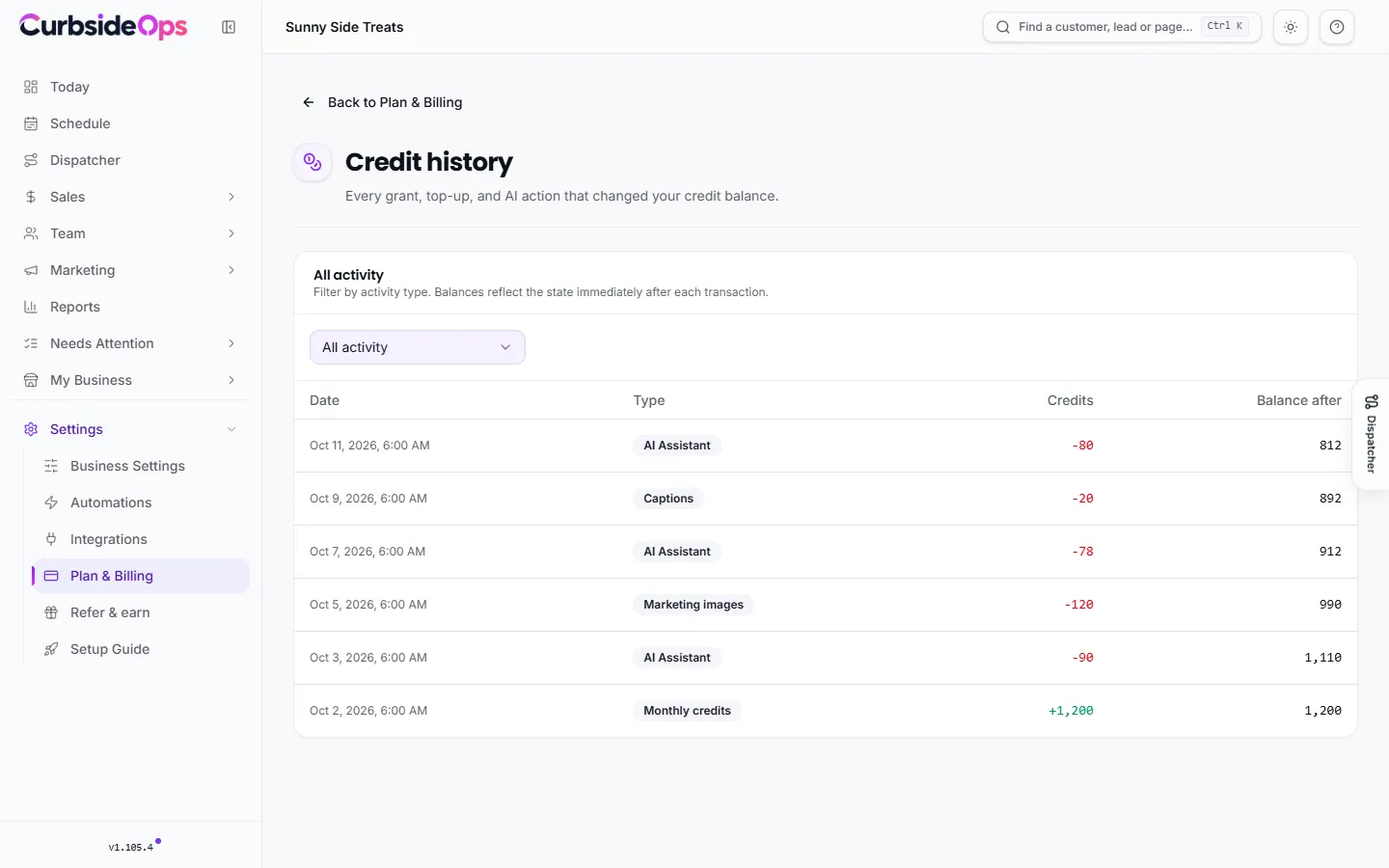
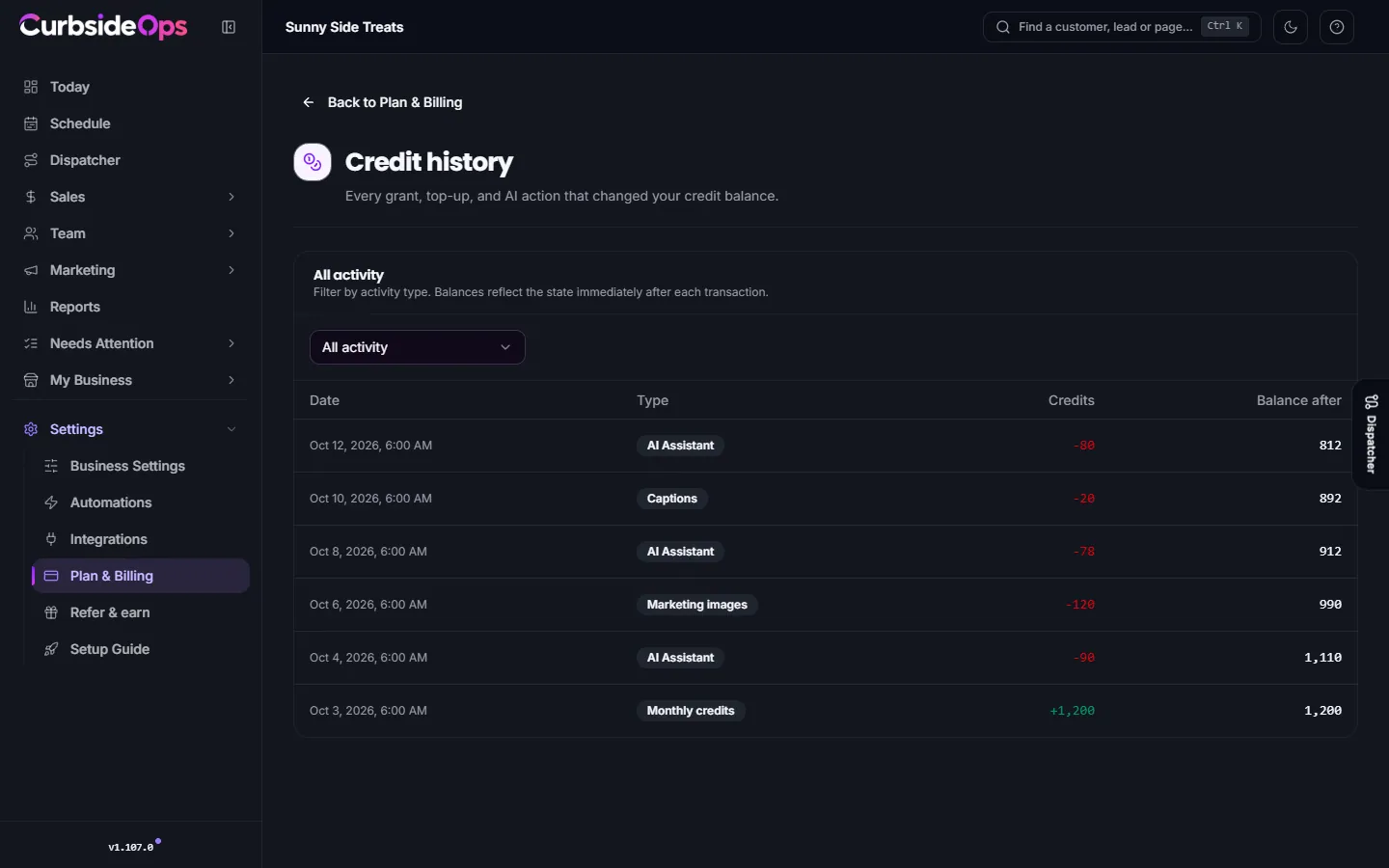
View history opens Credit history: every grant, purchase, refill, referral reward and AI action that changed your balance, with the balance after each one. Filter by type, such as Auto-refills, Adjustments or Referral rewards.
Earn free credits by referring other operators. See Refer and earn.
Still stuck? Email support@curbsideops.com or use Report an Issue in the portal. Checked against CurbsideOps 1.105.4.