

Automations
Turn on the briefings, reminders, summaries and nudges CurbsideOps runs for you, and choose when they go out.
Automations are the jobs CurbsideOps does on a schedule so you do not have to: the morning briefing, event reminders for your crew, end-of-day sales, follow-ups on proposals, permit warnings and more. Most arrive on Telegram; customer-facing ones go out by email or text from your own accounts.
Turn one on
Find it
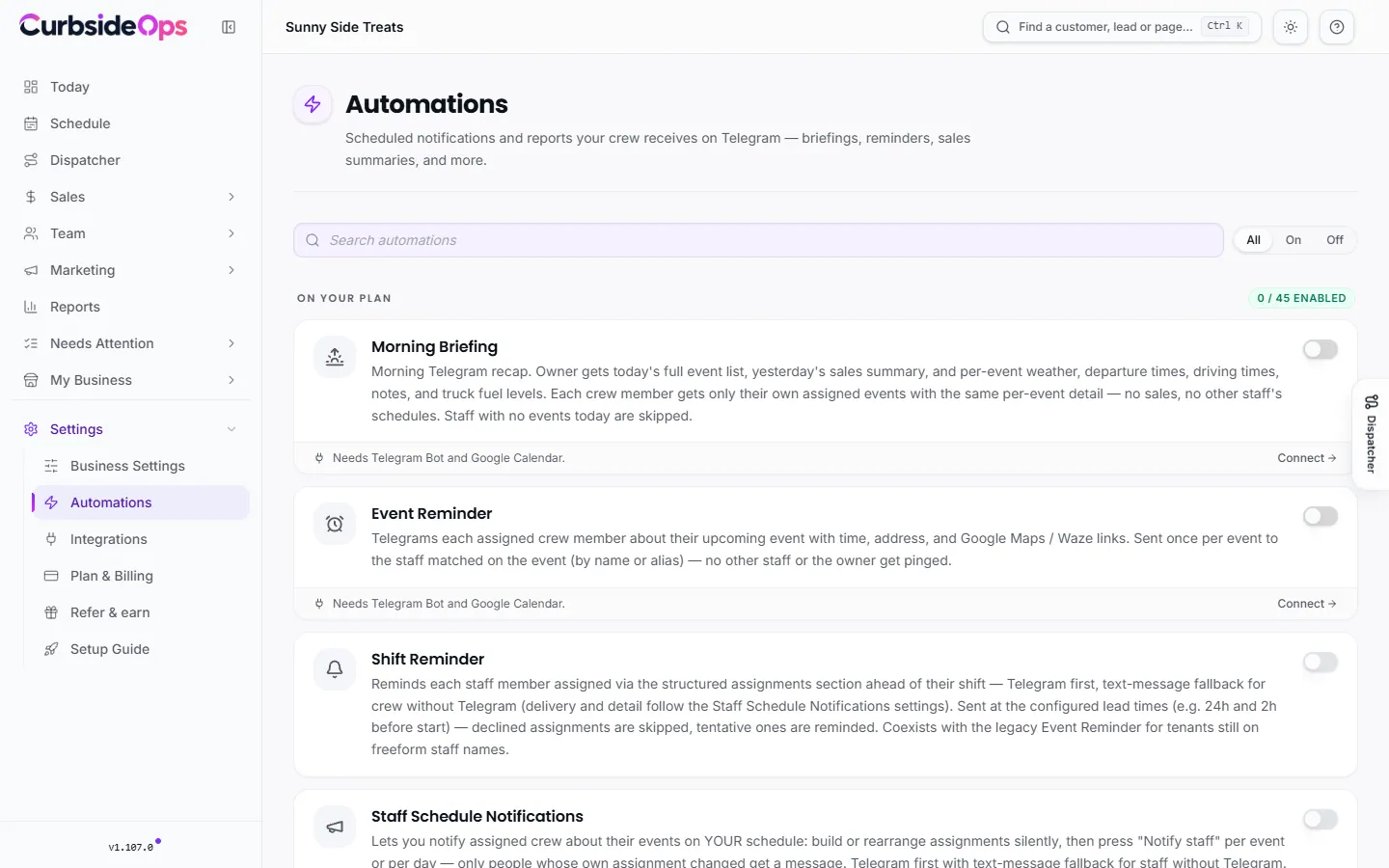
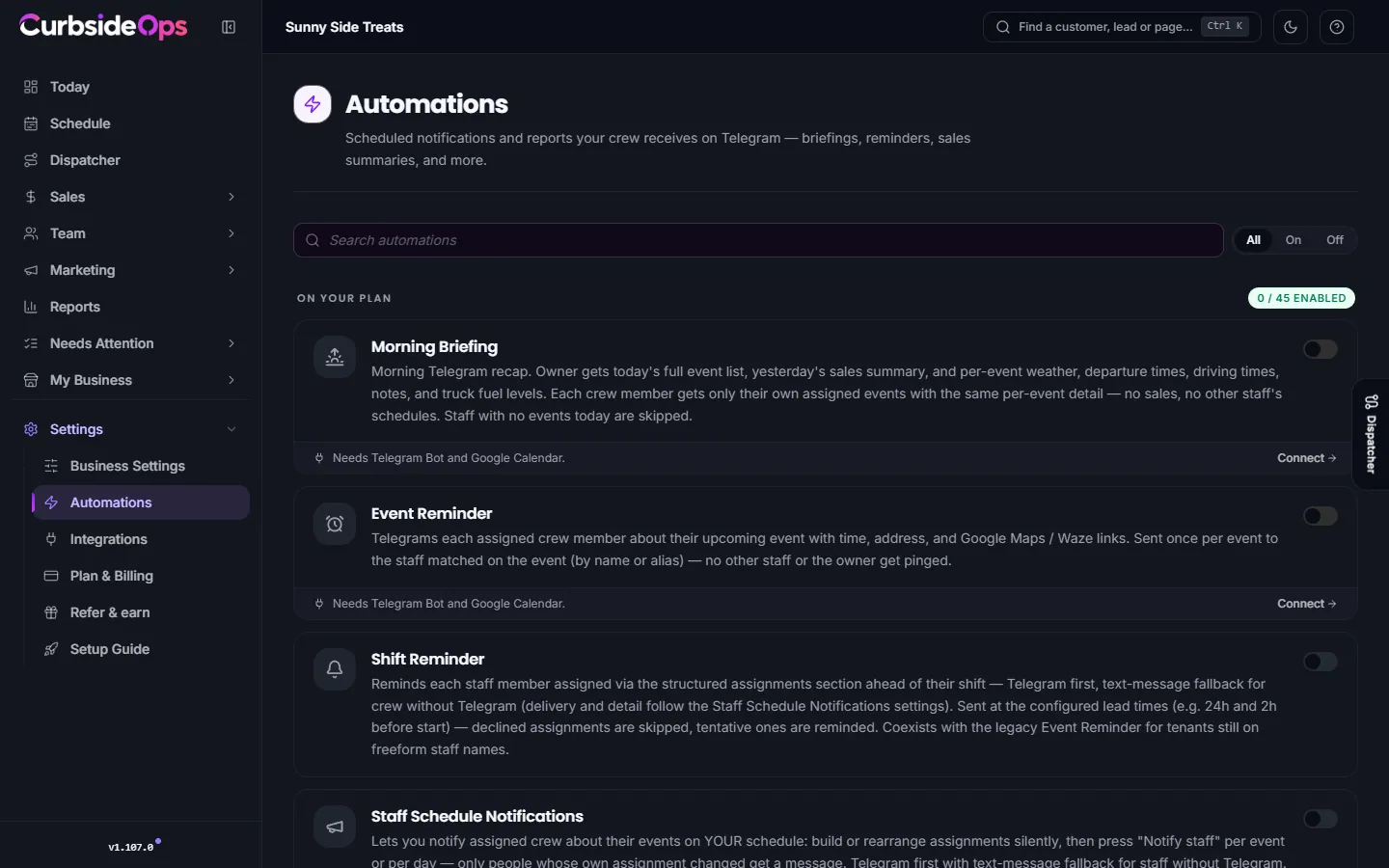
Open Automations. Search by name, or use All, On and Off to filter.
Switch it on
Flip the switch on its card. If it needs an account you have not connected yet, the switch is disabled and the card shows what to connect, with a Connect button.
Set the schedule
Change the time and options on the card (for example Send at or Warn within). Changes save as you make them.
Some cards have a Send now or Run sweep now button to run the automation right away instead of waiting for the next scheduled time.
On your plan lists what you can use today. Available on higher plans shows the rest, locked, so you can see what an upgrade adds. See Plan and billing.
What automations need
Each automation lists the accounts it depends on: Telegram Bot, Google Calendar, Gmail, Square POS or Bouncie GPS. Connect them under Integrations. Owner-only automations never reach your crew, and messages to crew never include prices, sales or billing.
Every automation
Briefings and the day's schedule
| Automation | What it does | Plan |
|---|---|---|
| Morning Briefing | Sends you today's events, yesterday's sales and per-event weather, departure and drive times; each crew member gets only their own events. | Starter |
| Event Reminder | Telegrams each assigned crew member before their event with the time, address and map links. | Starter |
| Shift Reminder | Reminds crew assigned to an event ahead of their shift, on Telegram or by text, at the lead times you choose. | Starter |
| Staff Schedule Notifications | Tells crew about their assignments when you press Notify staff, and tells them automatically when an event is cancelled. | Starter |
| Weather Alerts | Warns you when rain, storms, heat, cold or wind will affect an event, and can page the crew about safety conditions. | Starter |
| Weather & Prep Advisor | Sends a morning forecast for each truck's standing spot, compared with similar-weather days in your sales. | Starter |
| Send Calendar Invites | Lets a crew member ask on Telegram for their upcoming events as calendar invites, emailed only to them. | Premium |
Sales and money
| Automation | What it does | Plan |
|---|---|---|
| EOD Sales Summary | Sends you an end-of-day Square recap: revenue, tips, fees, per truck and per brand. | Starter |
| Post-Event Sales Summary | Sends you each event's sales after it ends, from that truck's Square terminal. | Professional |
| Weekly Summary | Sends you the week's revenue, event count, top trucks and brands, and trends. | Premium |
| Giveback Reminders | Lists givebacks that are overdue, due this week, or still need a beneficiary. | Starter |
| Regulars (Square sync) | Links each night's Square payments to your customers so you can see who your regulars are. | Professional |
Leads and customers
| Automation | What it does | Plan |
|---|---|---|
| Catering Inbox | Checks your Gmail every 3 minutes and drafts replies to catering inquiries for you to review and send. | Professional |
| Catering Follow-up Nudge | Tells you each morning about quoted leads who have not replied in a while. | Professional |
| Proposal Follow-up | Reminds customers about unopened or unaccepted proposals, warns before one expires, and marks expired ones. | Starter |
| Deposit Reminder | Reminds customers about unpaid deposits at 3 and 7 days and flags deposits overdue at 10 days. | Starter |
| Customer Event Emails | Sends customers confirmation reminders, thank-you emails, and cancellation or waitlist emails. | Starter |
| Policy Signature Reminders | Emails customers who have not signed a policy yet, every 2 days until they sign or the link expires. | Professional |
| Review Requests | Asks customers for a review a few days after their event; a low rating stays private and comes to you. | Professional |
| Rebooking Check | Flags past clients who have not rebooked and suggests a follow-up. | Premium |
| Lapsed Regulars Nudge | Tells you on Mondays when regulars who opted in to texts have not visited in a while. | Professional |
| Customer Status Link | Emails and texts each customer their live status link before the event, for brands that switch it on. | Premium |
Jobs and the crew in the field
| Automation | What it does | Plan |
|---|---|---|
| Job Readiness Check | Sends you a daily list of upcoming jobs missing a truck, crew, deposit or signature. | Professional |
| Task Reminders | Creates each job's task list from your checklists, reminds crew as tasks come due, and tells you when a required one runs late. | Professional |
| Clock-In Reminders | Reminds crew to clock in when their event starts and to clock out after it ends. | Professional |
| Post-Event Report | Sends crew your Event Reports form after each event and sends you the summary when they submit. | Professional |
| Closeout Reminders | Lists recent jobs that still need a closeout. | Professional |
| Restock Digest | Sends one end-of-day list of supplies the crew reported running low, grouped by brand. | Professional |
| Incident Follow-up | Lists serious incidents still unresolved more than a day later. | Professional |
| Punctuality Alert | Sends you a weekly note when late arrivals are climbing, naming the events. | Professional |
Fleet and GPS
| Automation | What it does | Plan |
|---|---|---|
| Truck Proximity | Tells you when a truck arrives at an event, and warns you when one is still away close to start time. | Starter |
| Arrival & Departure Tracking | Suggests when each truck arrived at and left an event; nothing counts until you confirm. | Starter |
| Dispatch Risk Monitor | Watches trucks on the road and tells you when an arrival is at risk. | Premium, or the Intelligent Dispatcher add-on |
Your team
| Automation | What it does | Plan |
|---|---|---|
| Weekly Availability Request | Sends each staff member a link on Sunday evening to submit next week's availability. | Professional |
| Availability Reminder | Re-pings staff who have not sent their availability yet. | Professional |
| Staff Certification Alerts | Warns you at 30, 14 and 7 days before a staff certification expires. | Professional |
| Birthday Greetings | Lets you send a staff member a birthday greeting with one tap. | Professional |
| Work Anniversaries | Lets you congratulate a staff member on their work anniversary with one tap. | Professional |
| Staff Onboarding Nudges | Reminds you what to follow up on at a new hire's day 1, day 7 and day 30. | Professional |
Permits and paperwork
| Automation | What it does | Plan |
|---|---|---|
| Permit Expiry Alerts | Warns you before a permit or health inspection expires. | Starter |
| Permit Document Expiry Alerts | Warns you before a document in your Permit Documents vault expires. | Professional |
Marketing
| Automation | What it does | Plan |
|---|---|---|
| Daily Special Post | Drafts a social post for today's special on each truck for you to approve. | Starter |
| Event Awareness Posts | Drafts on-brand posts for upcoming events, per brand. | Premium, or the AI Marketing add-on |
| Campaign Posts (day-of) | Makes each scheduled campaign post's image on the day and sends it to you to approve. | Premium, or the AI Marketing add-on |
| Auto-fill Holidays | Keeps your Campaigns calendar filled with holidays and seasonal moments about a year ahead. | Premium, or the AI Marketing add-on |
| Weekly Marketing Ideas | Suggests up to 8 marketing ideas every Monday; nothing is made until you pick one. | Premium, or the AI Marketing add-on |
Some automations use AI Credits
Automations where the AI writes or creates something, such as the morning briefing, reply drafts, post images and marketing ideas, use AI Credits. See AI Credits.
Still stuck? Email support@curbsideops.com or use Report an Issue in the portal. Checked against CurbsideOps 1.105.4.