

Business settings
Your business profile, timezone, default sales tax, organization categories, assistant preferences and support access.
Business Settings holds the facts that apply to your whole business, across every brand and truck. Changes take effect immediately. Each card has its own Edit button; press it, make the change, and press Save.
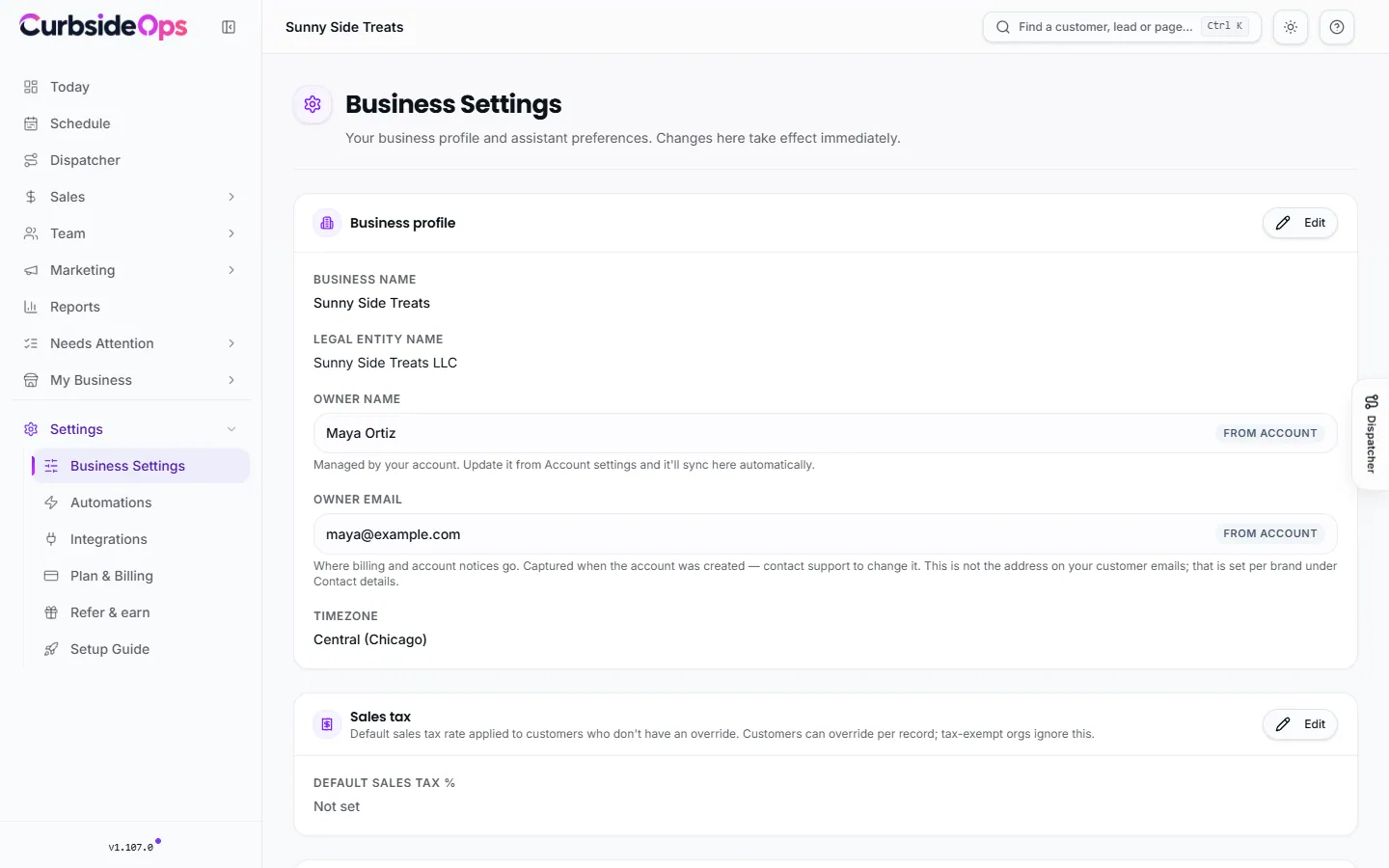
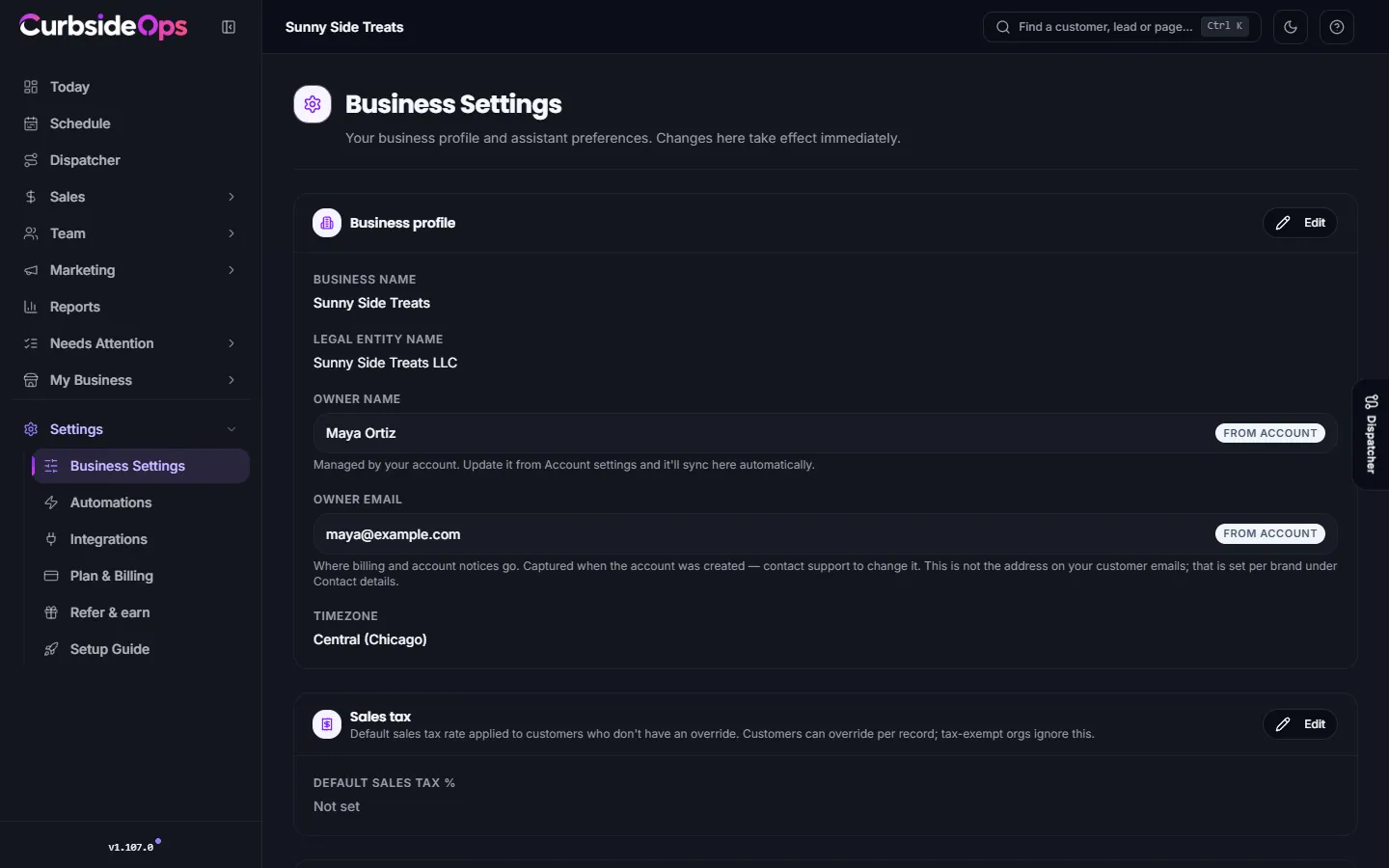
Business profile
- Business name: the name of your business as a whole. For a multi-brand account this is usually the parent company; each brand has its own name on its settings.
- Legal entity name: the registered company, used on contracts and policy documents.
- Owner name: comes from your account. Change it in your account settings and it updates here.
- Owner email: where billing and account notices go. Contact support to change it. It is not the address on your customer emails, which is set per brand.
- Timezone: the clock for your whole business. Briefings, reminders, reports and "today" all follow it, so make sure it is right.
Phone numbers, mailing addresses and the email address customers see are set per brand, under Contact details on the brand's General tab. See Brands.
Sales tax
Default sales tax % applies to customers who have no rate of their own. A customer or organization can carry its own rate, tax-exempt organizations ignore it, and a brand can set its own rate on its Sales & Ops tab. See Event sales and invoices.
Organization categories
The kinds of organizations you serve: School, PTA/PTO, Church, Corporate, Festival, Private party and so on. Every organization can carry one category, and reports group customers by it.
- Add category adds your own (up to 50, each up to 40 characters).
- Renaming a category moves every organization tagged with it.
- Removing one takes it out of the picker and reports; organizations keep the label until you change them.
- Reset goes back to the default list.
See Organizations.
Agent preferences
Availability buffer is the padding, in minutes, the assistant leaves before and after each event when it checks whether a truck is free. The default is 30 minutes.
Scheduling
Week starts on sets the first day of your scheduling week. Schedule drafts and week labels follow it; staff availability requests keep their own timing.
Voice replies
With Enable voice replies on, when you send the assistant a voice note it answers with text and a short voice summary. Text messages still get text. Pick a voice and a personality preset, or choose Custom and describe your own, then Generate style.
Support access
CurbsideOps support can view your account, including your Catering Inbox and calendar, only while Support access is on.
Turn it on when you need help
Press Allow support access. It stays on for 24 hours and then turns off by itself.
Turn it off early
Press Turn off now whenever you are done.
Every support visit is listed under Recent support visits. Only the account owner can change this setting.
Managers
Managers see this page read-only unless you let them manage setup. See Managers and permissions.
Still stuck? Email support@curbsideops.com or use Report an Issue in the portal. Checked against CurbsideOps 1.105.4.