

Restock
Your crew flags supplies running low, and you get one end-of-day list so the warehouse has replacements ready.
Running out of a flavor or cups halfway through an event is avoidable if someone hears about it the night before. Restock collects what your crew reports as low and sends one list at the end of the day, instead of a stream of texts.
It is deliberately not inventory. Nobody counts stock; the crew just says what is getting low, and the people who prep the warehouse hear about it once.
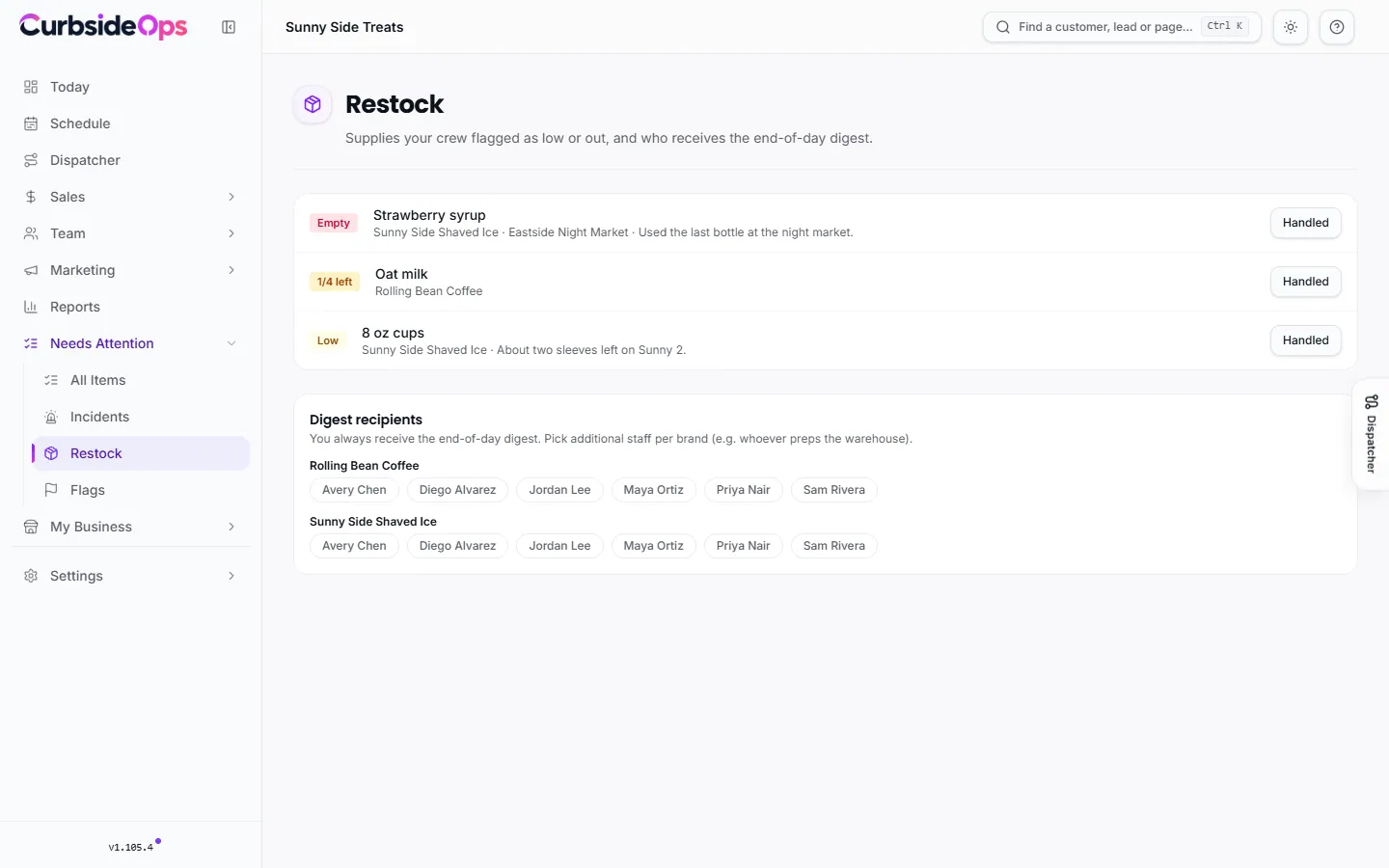
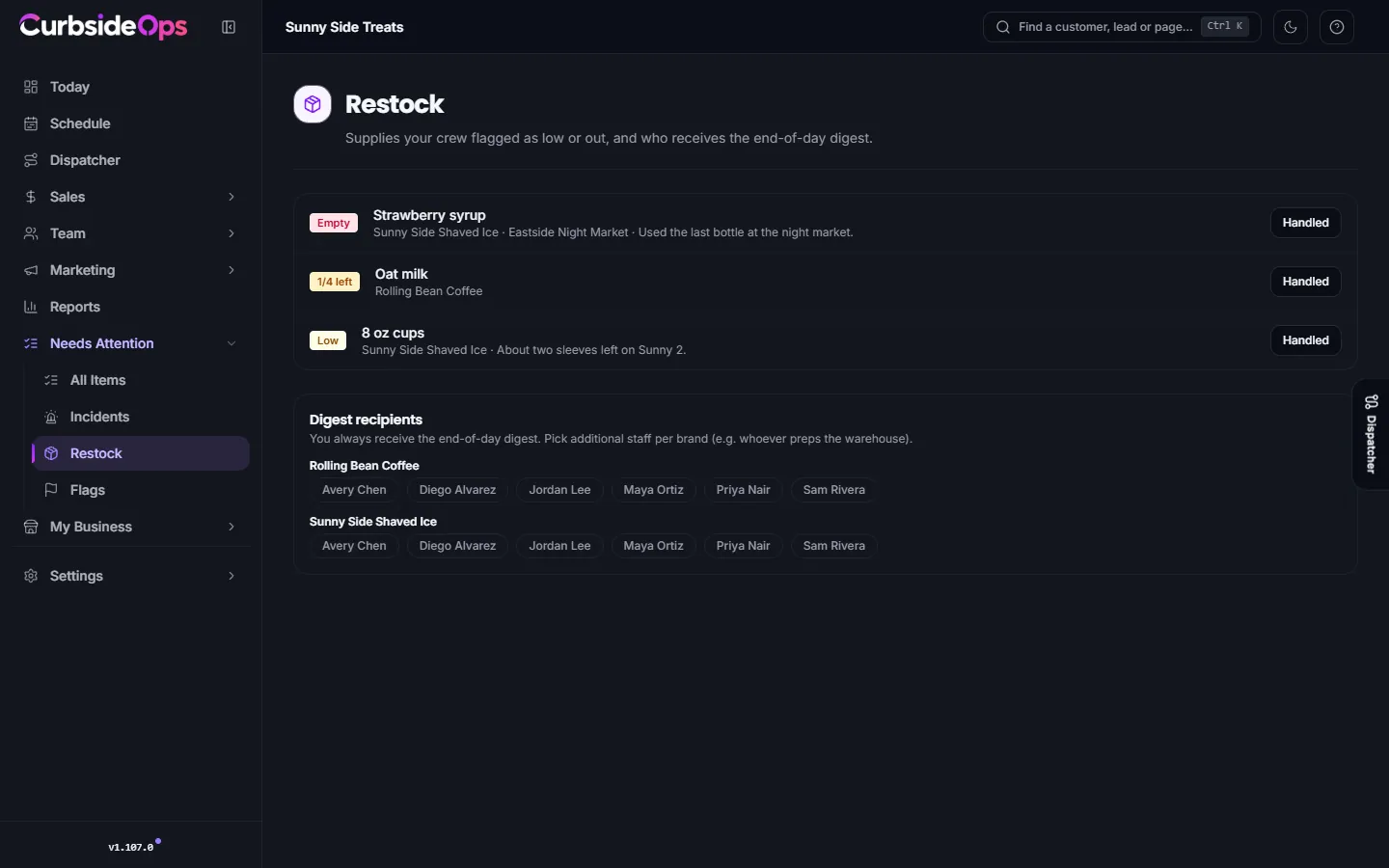
How the crew reports
- On Telegram, in plain words: "We're at a quarter on strawberry syrup" or "Out of 12 oz cups." The assistant records it and replies that it will be in the end-of-day restock digest. It does not message anyone else.
- From the crew portal, using the restock form on their shift page. See The crew portal.
Each report has a level, shown on the page as Low, 1/4 left or Empty, plus the brand, the event it came from and any note.
The Restock page
Open Restock under Needs Attention in the sidebar. Every open report is listed with its level. When the item has been replaced, click Handled and it leaves the list.
Reports stay open until someone marks them handled, so an item nobody restocked shows up again in the next day's digest.
The end-of-day digest
The Restock Digest automation sends one Telegram message at the end of the day listing everything reported low, grouped by brand. Turn it on in Automations.
You always receive it. Under Digest recipients, pick additional staff for each brand, for example whoever preps the warehouse for that brand. Tap a name to add or remove it.
Packing lists are separate
A short item on a job's packing list is not a restock report. It shows as a Packing shortage blocker on that job's readiness instead. See Jobs and closeout.
Related: Incidents, Prep checklists.
Still stuck? Email support@curbsideops.com or use Report an Issue in the portal. Checked against CurbsideOps 1.105.4.