

Time off
Your crew asks for time off from Telegram, you approve or decline in one tap, and approved days block them from the schedule.
Time off keeps requests out of your text messages. A crew member asks your Telegram bot for the days they need, the request lands on the Time Off page, and your answer goes straight back to them. Approved days are blocked, so the person is not suggested for events on those dates.
How your crew asks
Staff can ask in plain words in their chat with your bot, or use a time-off link you send them. Each request has dates, a kind (PTO / Vacation, Sick day, Personal day or Other) and an optional note.
Sick days approve themselves: they block the dates right away and never wait in your list.
Answering requests
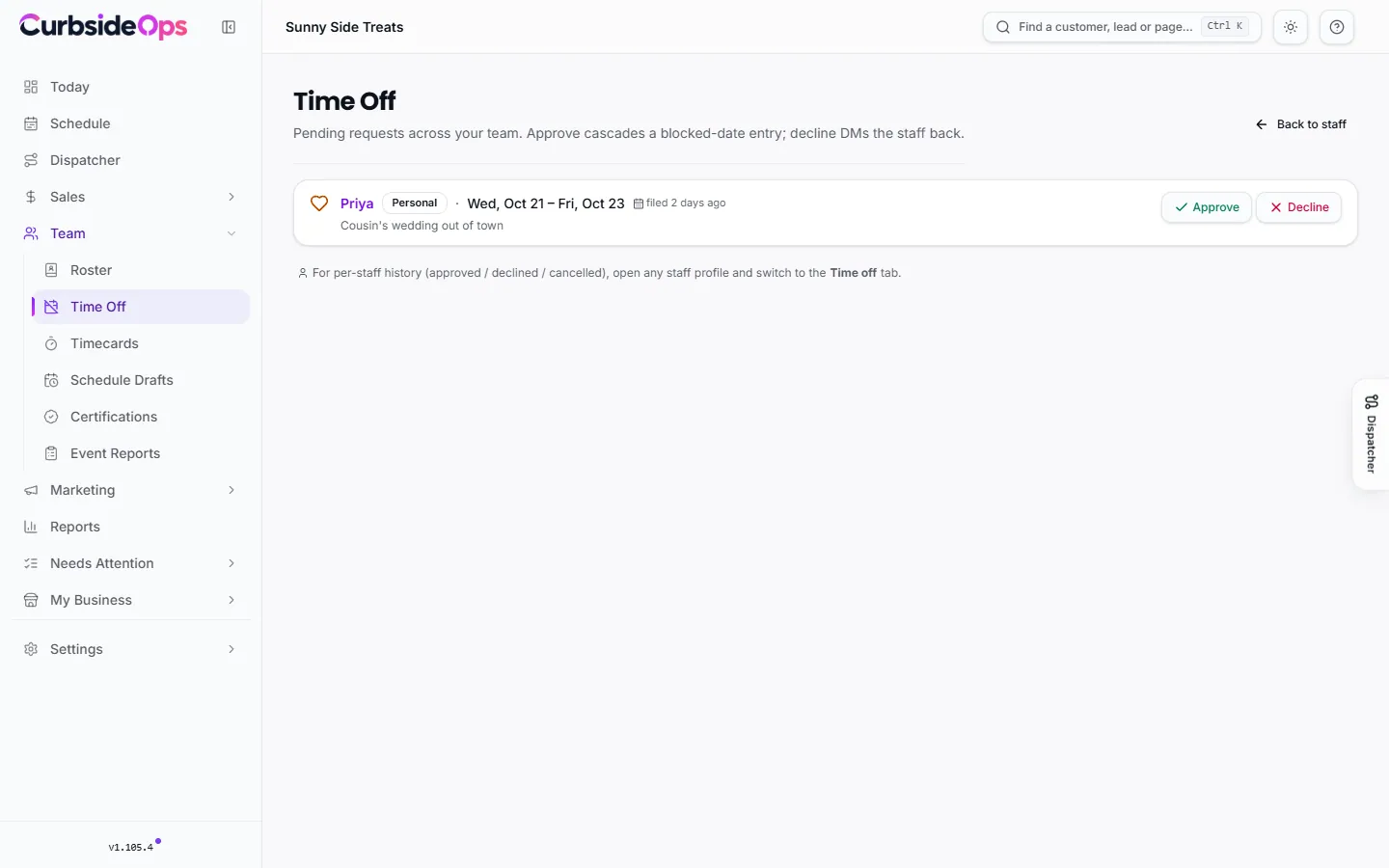
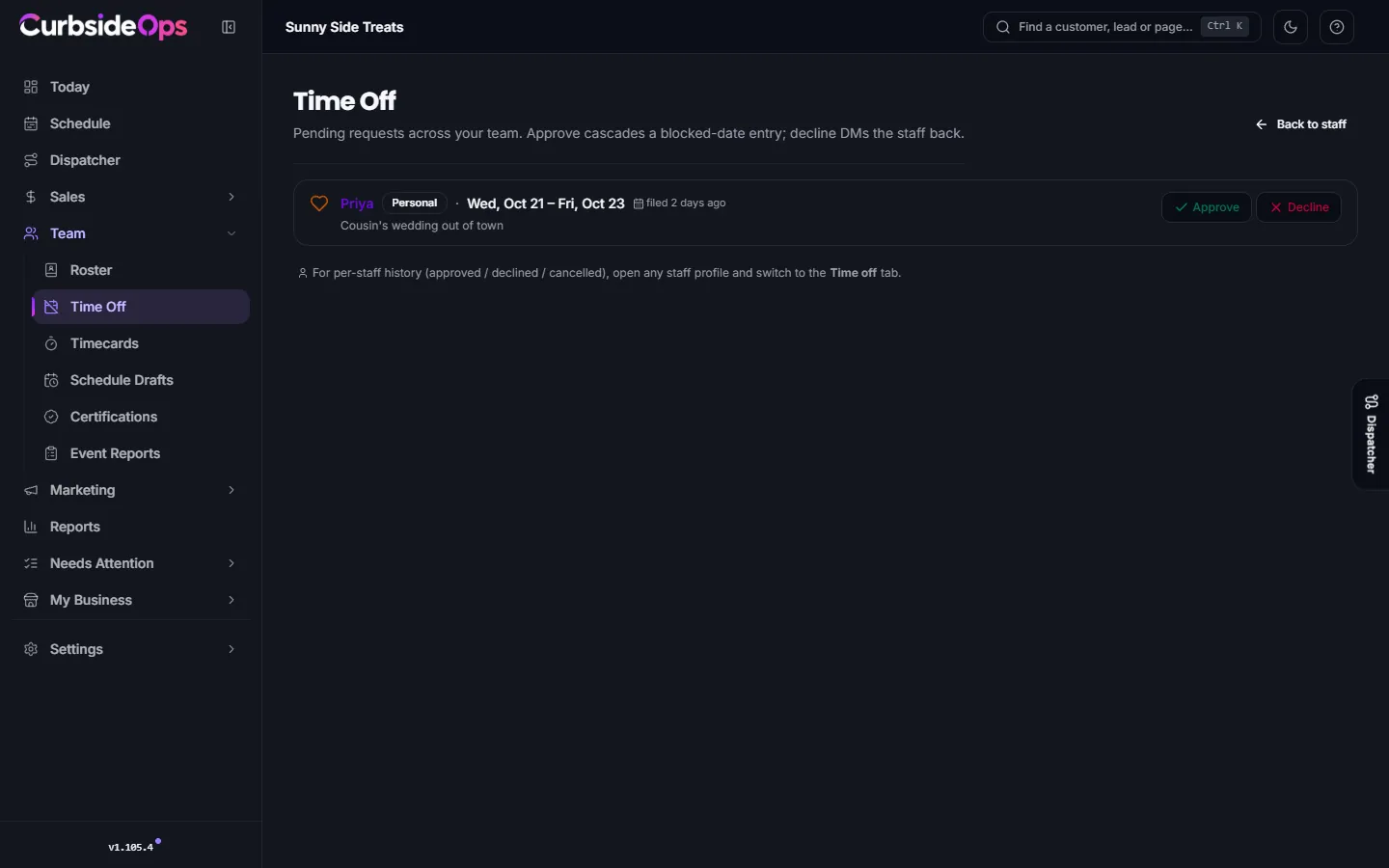
Open Time Off under Team. It lists the pending requests across your whole team, with who asked, the kind, the dates and when it was filed. Requests you filed for someone are marked (by owner).
Approve
Click Approve. The dates become blocked dates on that person's profile.
Or decline
Click Decline, add an optional note and click Decline request. The person gets a message on Telegram with your answer.
When nothing is waiting, the page says Inbox zero.
One person's history
Open a staff profile and switch to the Time off tab to see everything that person has asked for, with each request marked Approved, Declined or Cancelled. From there you can:
- File on behalf: enter Start, End, Kind and a Note for someone who asked you in person. Turn on Auto-approve to skip the pending step and block the dates immediately. Click File request.
- Reopen for decision: puts a decided request back to pending so you can answer it again.
- Send the person a fresh time-off link on Telegram, or copy one to share another way.
The Blocked dates tab on the same profile lists every blocked day, whether it came from an approved request or was added by hand. Add one there with a date range, a kind (PTO, Sick, Personal or Other) and an optional reason.
Where time off shows up
Blocked days count against availability everywhere CurbsideOps picks people: the Suggest button on an event and schedule drafts both treat the person as off. You can still assign them by hand if you need to.
Managers
A manager with Team management can approve and decline time off too. See Managers and permissions.
Still stuck? Email support@curbsideops.com or use Report an Issue in the portal. Checked against CurbsideOps 1.105.4.