

Form W-9
Fill and e-sign the official IRS W-9 once per brand, then send it to any customer who asks.
Schools, HOAs and corporate customers often ask for a W-9 before they pay you. CurbsideOps fills in the official IRS Form W-9 with your brand's details, you sign it once, and then you or your team can send it whenever someone asks: from an inbox reply or by asking the assistant on Telegram.
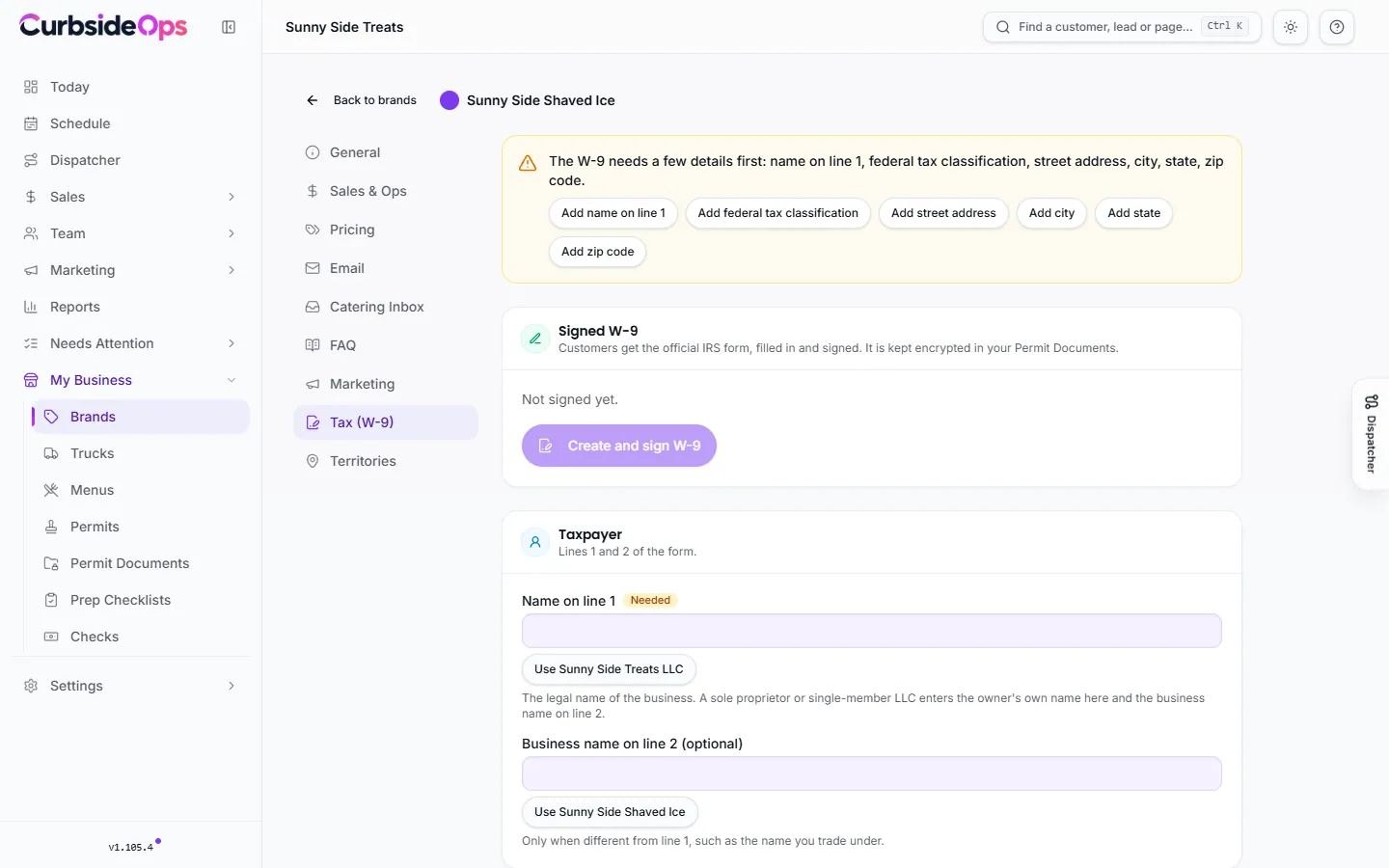
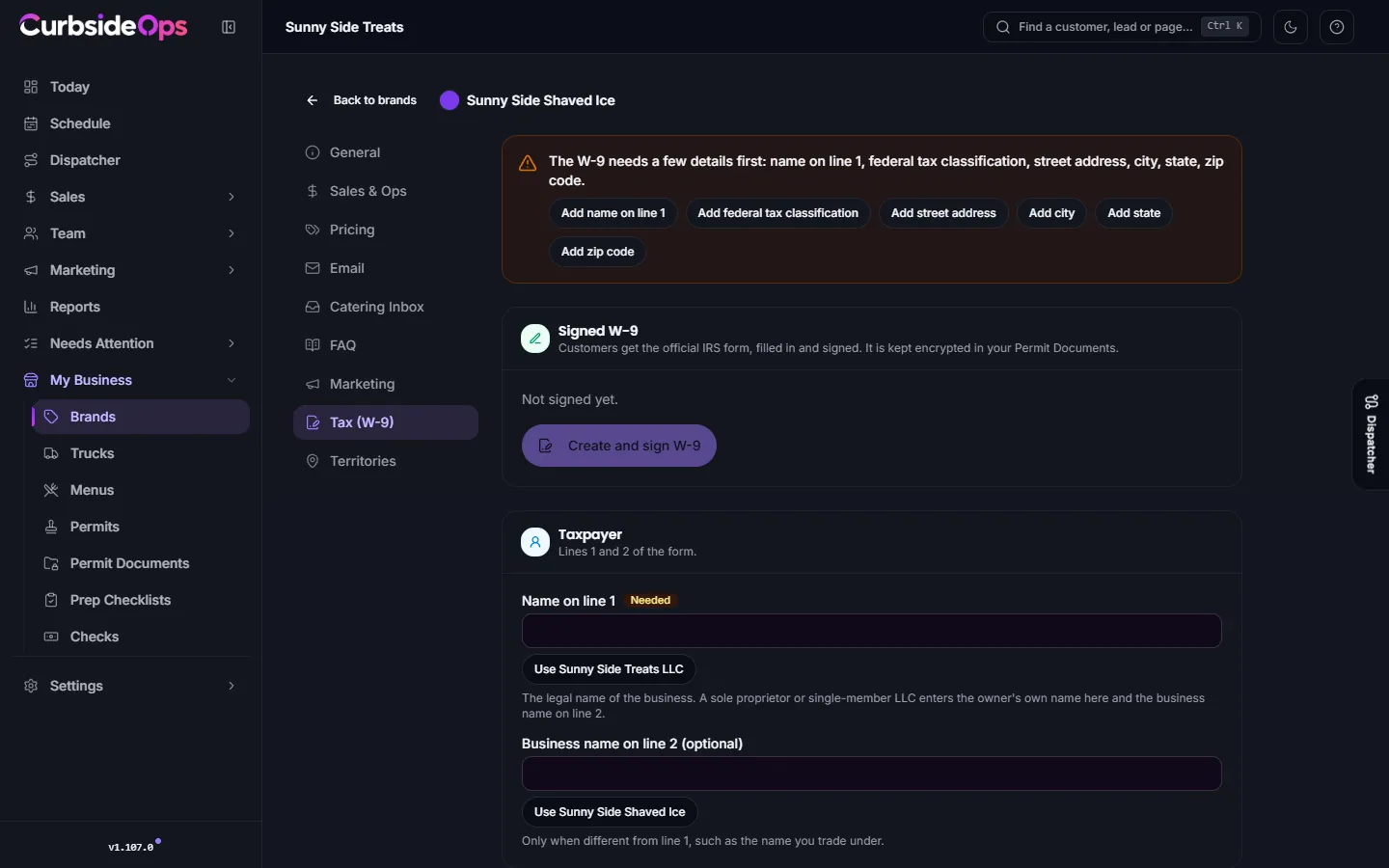
Sign your W-9
Open the brand's Tax (W-9) tab
Go to Brands, open the brand's settings, and choose Tax (W-9).
Fill in the details
Under Taxpayer, enter the Name on line 1 and, if you use one, the Business name on line 2. Pick your Federal tax classification exactly the way the business files its taxes, and enter the address where you receive tax documents (or tick Use the business address). Most food businesses leave the exemption codes blank. Anything missing is listed with a button that takes you to it.
Create and sign
Press Create and sign W-9. The wizard walks through four steps: Details, Taxpayer ID, Preview and Sign. Type your EIN or SSN, check every line on the preview, then sign with your full name and title.
The signed W-9 is saved, encrypted, in your Permit documents under Legal Entity, and the Signed W-9 card shows when it was signed and on which IRS form revision.
Your tax ID is never stored
Your EIN or SSN is typed only when you sign. CurbsideOps puts it on the form and keeps nothing else: no copy of the number, no last four digits. The only place it exists afterwards is inside your signed, encrypted PDF. That is also why you type it again whenever you re-sign.
Who can sign
Only the account owner can sign the W-9. Managers can see its status, download it, attach it to replies and ask the assistant to send it. A manager can edit the details only if you have given them permission to manage setup. See Managers and permissions.
Send it to a customer
Once signed, the W-9 is ready to go out any of these ways:
- From the inbox. Attach "Form W-9" to a reply. It is listed first in the attachment picker for that brand. See Inbox.
- From Telegram. Ask the assistant to email your W-9 to the customer. It sends from the brand's email address, and only to someone already on record or whose address you type in that message.
- Download. Press Download W-9 on the Tax (W-9) tab and send it yourself.
A W-9 never goes out stale. If something has changed since you signed, every one of these paths refuses to send it until you sign again, and the tab tells you why.
When you need to sign again
- You changed the details. Editing the name, classification or address after signing means the signed form no longer matches. Press Sign again.
- The IRS released a new form. When a new revision of Form W-9 is published, older signatures are outdated. You get a Telegram message, the tab says the IRS released a new W-9, and the vault card shows New IRS form. Sign again on the new form; it takes a minute.
- A new brand. Each brand has its own W-9, because the name and business on line 2 can differ.
Related
- Permit documents: where the signed copy lives.
- Your AI assistant: what else you can ask on Telegram.
Still stuck? Email support@curbsideops.com or use Report an Issue in the portal. Checked against CurbsideOps 1.105.4.