

Permit documents
Keep your health-permit paperwork in one encrypted vault, generate the standard documents, and hand inspectors a complete package.
Applying for or renewing a mobile food permit means gathering the same pile of paperwork every time: licenses, insurance, commissary letters, menus, fire tags. Permit Documents keeps that pile in one place, tells you what is missing, and bundles it into one download when the health department asks.
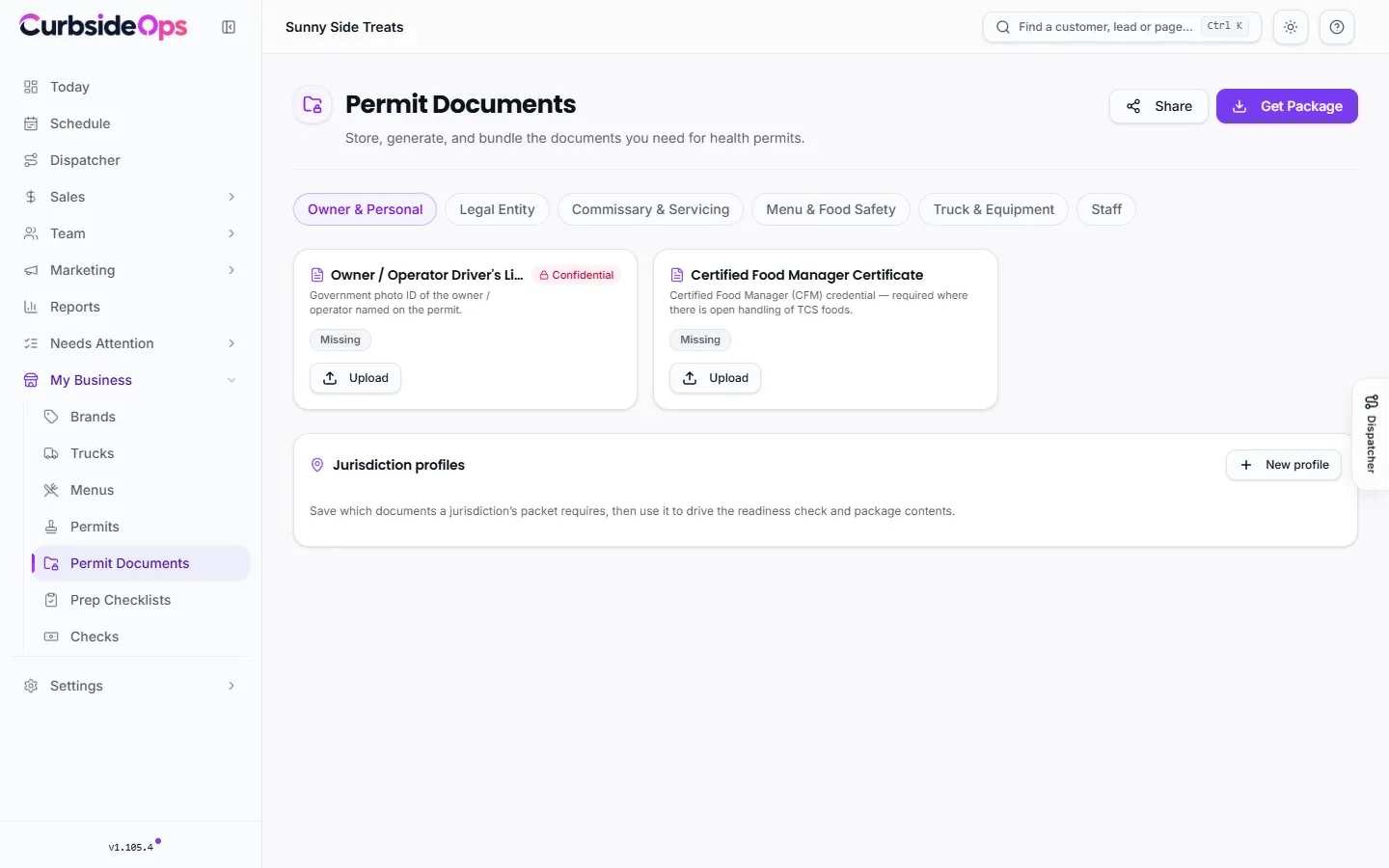
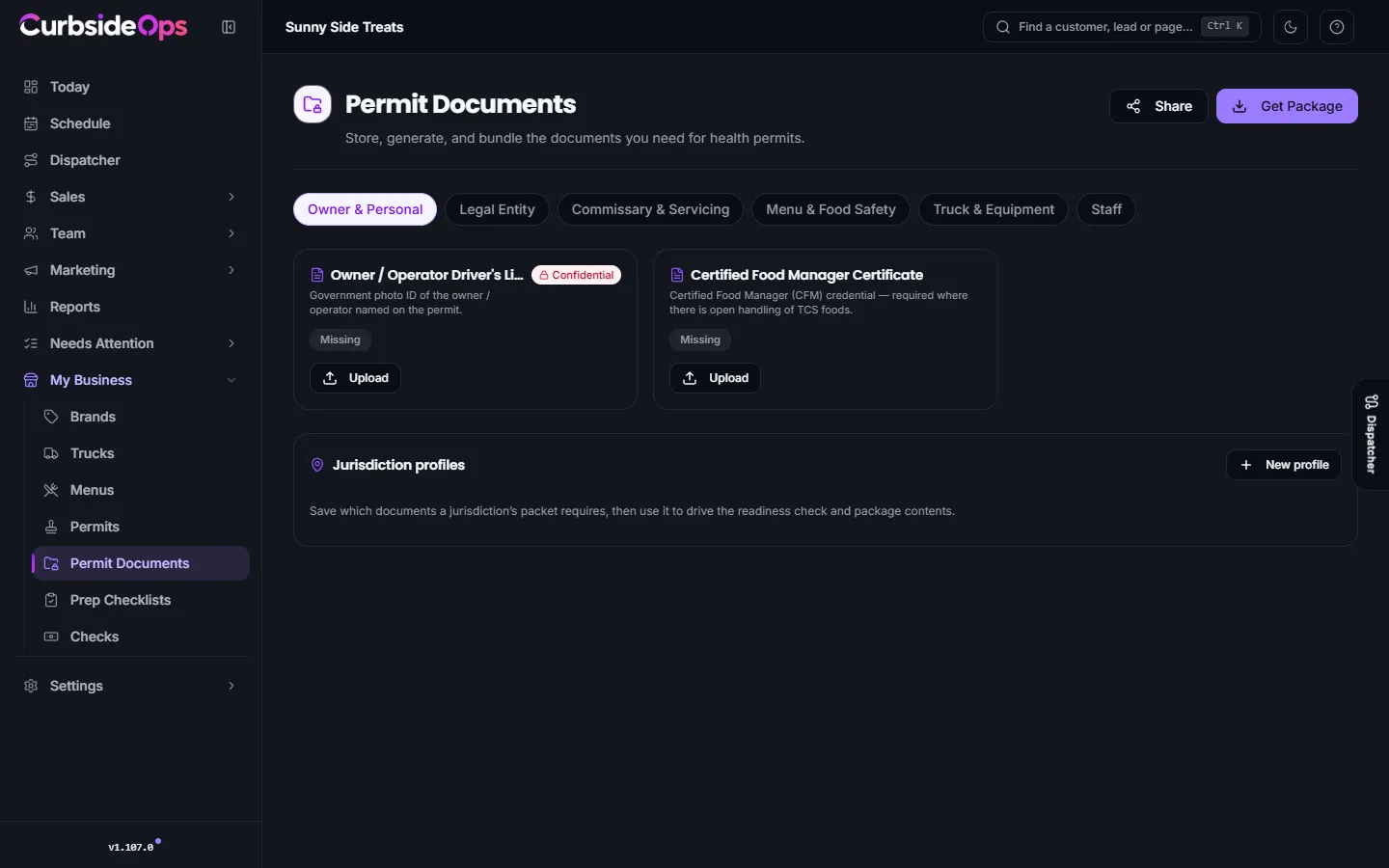
How the vault is organized
Documents are grouped by category:
- Owner & Personal: your driver's license, food manager certificate.
- Legal Entity: business formation, EIN letter, sales tax permit, liability insurance, workers' comp, and each brand's W-9. Choose Shared when one company owns every brand, or pick the brand when a brand is its own company.
- Commissary & Servicing: your commissary agreement, its health permit and inspection, servicing logs, grease and wastewater records. Shared, or per truck when trucks use different commissaries.
- Menu & Food Safety: menu, allergen statement, procedures, HACCP plan, employee health policy, allergen poster. Per brand.
- Truck & Equipment: registration, photos, equipment list, fire suppression and extinguisher tags, propane inspection, water tank specs, vehicle insurance. Per truck.
- Staff.
Pick a brand and a truck at the top to see that truck's full set. Each slot shows whether the document is on file and when it expires.
Add documents
For each slot, press Upload (PDF, JPG, PNG, HEIC, DOC or DOCX, up to 26 MB). Add the issue and expiry dates so you are reminded before it lapses. Repeating records, like servicing logs, use Add to keep every copy. Replace swaps in a new version.
Some documents can be produced for you with Generate: the menu of all food items, the allergen statement and poster, the employee health policy, the equipment list, water tank specifications, and commissary and servicing letters. They are built from what you have already entered.
Encrypted, never public
Every file is encrypted with a key unique to your business, and nothing in the vault has a public web address. Files are only opened through your signed-in portal or a share link you create.
Get a package
Get Package builds a ZIP for one truck with a Readiness check of what is present and missing. Pick a Jurisdiction profile to include only what a specific county or city asks for, or use All applicable documents. Jurisdiction profiles let you save each authority's list of required documents once.
Share with an inspector
Share creates a link an inspector can open without logging in. Choose the truck and how long the link lasts (24 hours, 3 days, 7 days or 30 days). Copy it right away: it is shown once. Active links lists your links so you can revoke one early.
Confidential documents
Your driver's license and EIN letter are marked Confidential. They are left out of share links by default, and a package only includes them when you switch on Include confidential documents. Every download of a confidential document is logged. Only the owner, or a manager you grant Confidential permit documents, can open them. See Managers and permissions.
Expiry reminders
The Permit Document Expiry Alerts automation checks the vault every day and messages you on Telegram when a document is close to expiring or past due. You set the time and the warning window under Automations. It goes to the owner only.
Issued permits themselves are tracked on the Permits page.
Still stuck? Email support@curbsideops.com or use Report an Issue in the portal. Checked against CurbsideOps 1.105.4.