

Permits
Track permits and health inspections, get reminded before they expire, and record where each brand works.
Log every permit you hold (health, fire, business license, sales tax) and every health inspection, and CurbsideOps reminds you before something lapses. Nothing here ever blocks a booking: it is your record and your early warning.
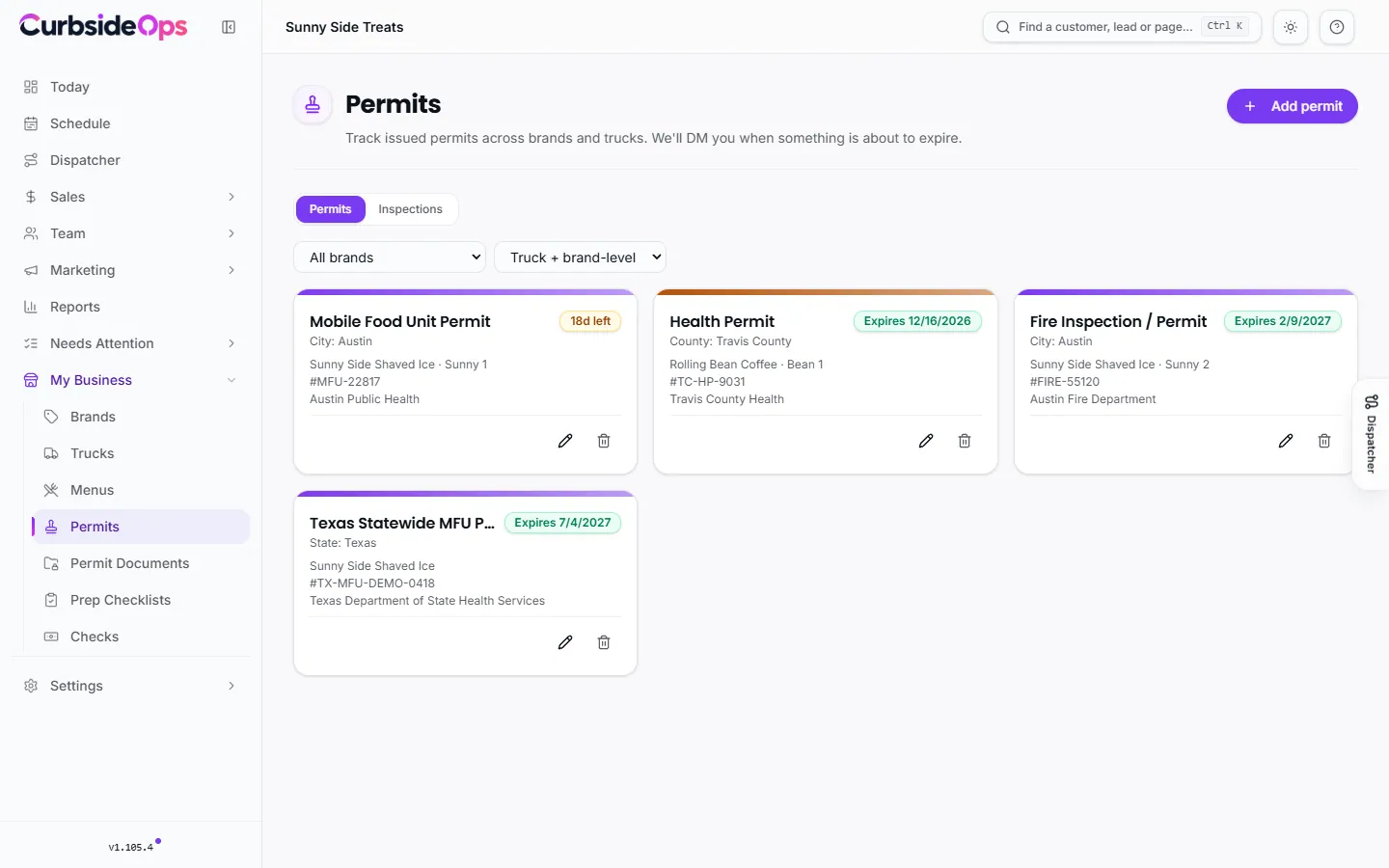
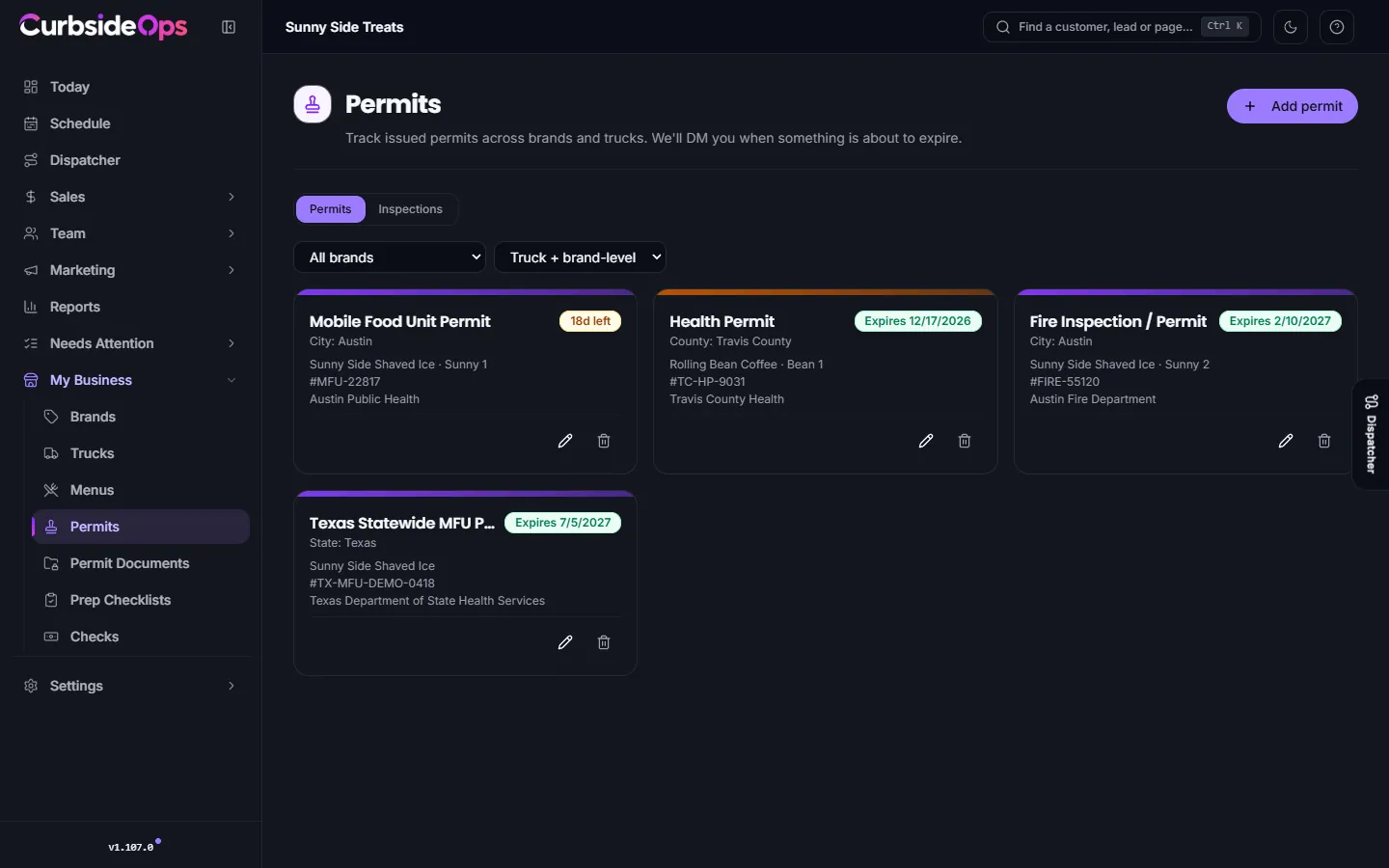
Add a permit
Open Permits
Go to Permits and press Add permit.
Choose what it covers
Under Scope, pick the Brand. Pick a Truck only if the permit belongs to one truck; leave it blank for brand-wide permits such as a business license.
Fill in the details
Choose the Permit type, then the Permit number, Issuing agency, Jurisdiction (state, county, city or ZIP), Issued on, Expires on and Cost (USD). Attach a PDF or photo of the certificate if you like.
Permit types include Mobile Food Unit Permit, Health Permit, Fire Inspection / Permit, Business License, Commissary Kitchen Letter, Sales Tax Permit, Food Handler / Manager Certificate and the Texas Statewide MFU Permit, plus Other (custom) for anything else.
Each permit shows how many days it has left, turning amber inside 30 days and red inside 7.
Health inspections
Inspections are logged per truck: open the truck and use its Inspections tab. Record the inspecting agency, Inspected on, Next due on, the outcome (Passed or Failed), a score and any violations, and attach the report. The Inspections view on the Permits page lists every truck's inspections in one table.
Expiry alerts
The Permit Expiry Alerts automation checks your permits and inspections every day and sends you a Telegram message when one is about to expire or is past due. You choose the time and how far ahead to warn (14, 30 or 60 days). It goes to the owner only; your crew is never paged. Turn it on or adjust it under Automations.
Territories
A territory is a ZIP, city, county or state a brand usually works in. Add them on the brand's Territories tab (Brands, then the brand's settings). They help you organize permits by area and read your expiry alerts.
Territories never block a booking
Territories are informational only. CurbsideOps never uses them to refuse, hide, warn off or downgrade a booking, an event, a route or a crew assignment. Private events and partnerships outside your usual area are yours to take.
Check an address
On the Territories tab, Check an address shows how any address compares with the brand's territories: a match, a mismatch, or unknown. You can also ask the assistant on Telegram whether an address is in a brand's territory. Both are lookups for your information and change nothing.
Related
- Store the paperwork behind each permit in Permit documents (Professional and up).
- Crew certifications, like food handler cards, live in Certifications.
Still stuck? Email support@curbsideops.com or use Report an Issue in the portal. Checked against CurbsideOps 1.105.4.